
Browser Extension Showcase: Ad Blockers and Beyond

What are Web Browsers? Why Care?
A web browser, often abbreviated as just “browser,” is an application used to access websites. The most widely known browsers include Google Chrome, Microsoft Edge, Apple Safari, and Mozilla Firefox. Browsers are available for many platforms (combinations of physical hardware and operating systems), including modern smartphones, desktop computers, and even special refrigerators (Okay, Samsung, that is just silly).
While some people consider individual service applications like YouTube or TikTok to be their “internet world,” that view is myopic; there is a whole internet—the world’s information systems—beyond closed app ecosystems (hey, that includes this website, Libre Galaxy).
The pro-consumer benefits of browsers are often taken for granted, namely, the control they give users and the quality-of-life features they provide. Users can block ads and trackers with browser extensions, autofill passwords using the integrated manager, and clear their history, cookies, and cache to help protect personal privacy and free up space. All of these benefits often require workarounds for individual service applications, but are readily available for content accessed through browsers.
The Problem with the Default Configuration
As the gateways to the internet at large, it is worth considering how to best utilize web browsers. It is critical to realize that many users’ experiences and expectations are determined by what their browser offers by default. For example, if a browser does not have an advertisement blocker enabled when first installed, many users will start to believe that web page advertisements and data tracking are an intrinsic quality of the web browsing experience. In reality, browsing the web does not have to result in an invasion of privacy or relentless attention grabs, and users can resist it from untrustworthy websites with a little effort.
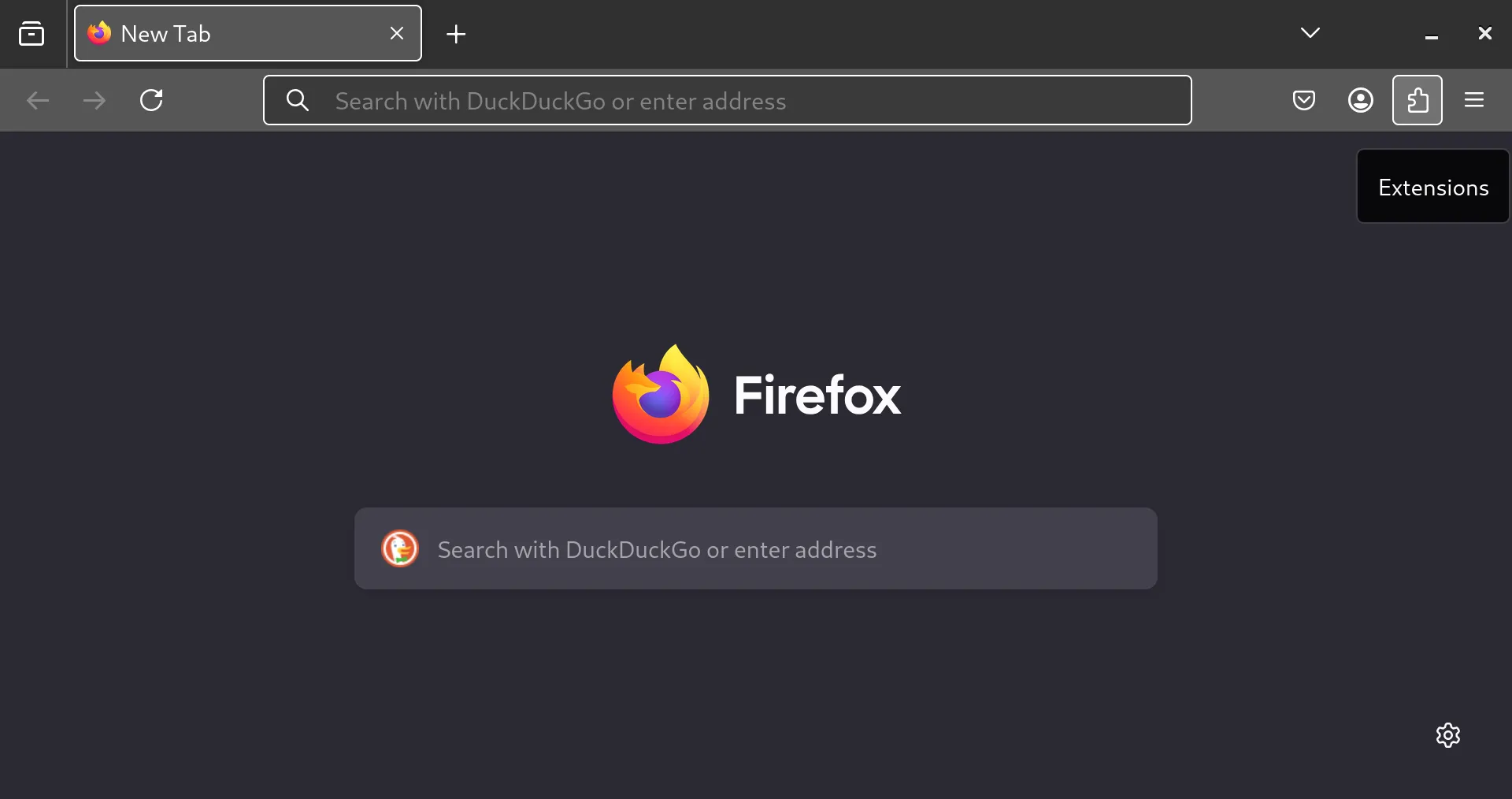
Modern browsers offer users the chance to enhance their browsing experience through browser-specific software (usually made by third parties) called extensions. Thoughtful users go beyond the default configuration, usually through the installation of trustworthy browser extension tools. This article discusses the top extensions with broad usefulness.
#1 - uBlock Origin
An excellent wide-spectrum blocker that filters ads, trackers, pop-ups, malware, coin miners, and more.
Content blockers are some of the most popular browser extensions because they help keep you safe online.
- The Federal Bureau of Investigation (FBI), the main domestic security and law enforcement agency in the United States, recommends ad blockers. The key idea is that advertising networks can be abused by bad actors to scam users and install viruses/malware on their devices.
Download
More Information
#2 - SponsorBlock
Automatically skips segments in YouTube videos you don’t want to watch, such as self-promotion and in-video advertisements. It’s literally a time saver.
Download
More Information
#3 - Firefox Translations
Client-side in-page text translations for Firefox-based browsers.
Download
More Information
#4 - Read Aloud: A Text to Speech Voice Reader
Extracts text from web pages and uses text-to-speech to read it aloud.
Download
More Information
#5 - Dark Reader
Adaptivly themes web pages into a “dark mode” theme, even for websites without a dark mode feature.
Download
More Information
#6 - Consent-O-Matic
Automatically completes GDPR consent popups based on your preferences.
Download
More Information
#7 - ClearURLs
Helps prevent tracking by clearing tracking parameters in opened URLs. Do note that it can break some browser features such as passing a web signin to a local application.
Download
More Information
#8 - Decentraleyes
Serves local files for hosted libraries and such to limit requests used for tracking.